![BLAU__EMBLEMA PRINCIPAL SENSE ESLOGAN (1)-1.png]](https://help.meetmaps.com/hs-fs/hubfs/BLAU__EMBLEMA%20PRINCIPAL%20SENSE%20ESLOGAN%20(1)-1.png?height=40&name=BLAU__EMBLEMA%20PRINCIPAL%20SENSE%20ESLOGAN%20(1)-1.png)
NOTE 🗒️: If you haven't already, take a look at the main article about this section 👉What is the properties section?
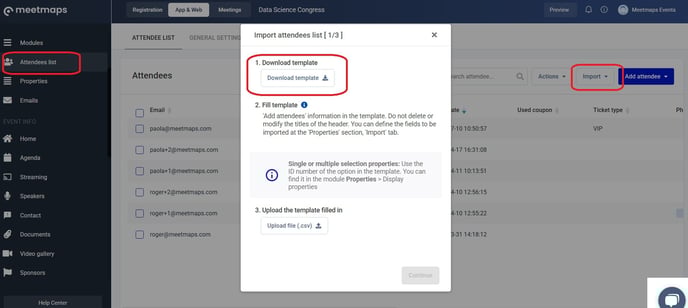
The properties from Properties > Import correspond to the fields in the Excel or CSV file that you can download to import the attendee database in bulk.
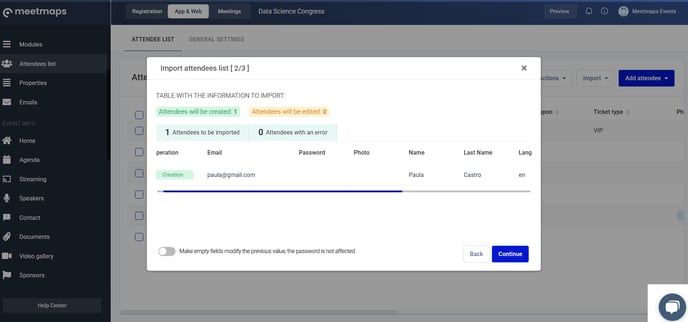
+ info 👉 How can I import and/or edit attendees in bulk?
Here you must add those properties that you wish to see in the Excel export of the list of guest attendees 🍎and registered attendees 🍋.
IMPORTANT ❗Have in mind that in the export sheet, besides the properties that you define, these two properties will be shown by default.
- Email: it is necessary to register an attendee.
- Password: Always leave this column empty. The passwords are created randomly by the system.
Example
I have to import the following data in my attendee database excel:
- Name
- Last name
- Language
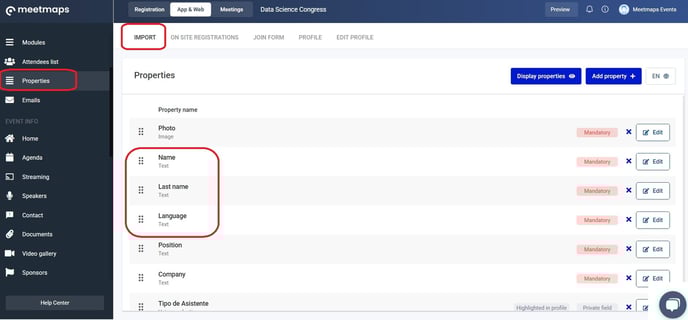
In Properties > Import add the predefined properties (native properties): Name, Last name, Language.
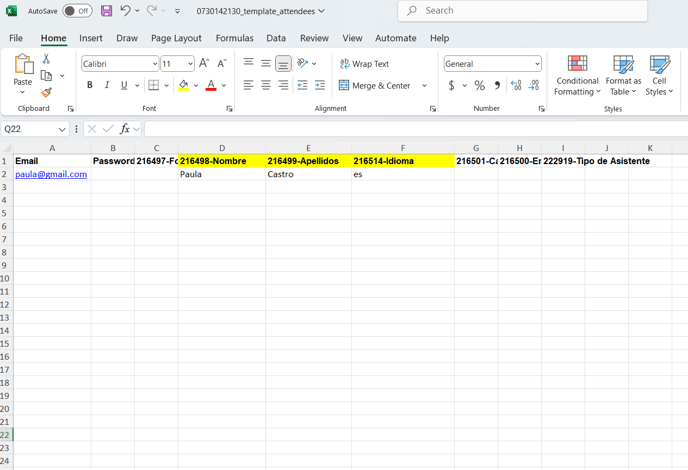
 In the Attendees list when I download the template to import the attendees, this is the Excel that appears: