![BLAU__EMBLEMA PRINCIPAL SENSE ESLOGAN (1)-1.png]](https://help.meetmaps.com/hs-fs/hubfs/BLAU__EMBLEMA%20PRINCIPAL%20SENSE%20ESLOGAN%20(1)-1.png?height=40&name=BLAU__EMBLEMA%20PRINCIPAL%20SENSE%20ESLOGAN%20(1)-1.png)
App & Web > Settings > Custom
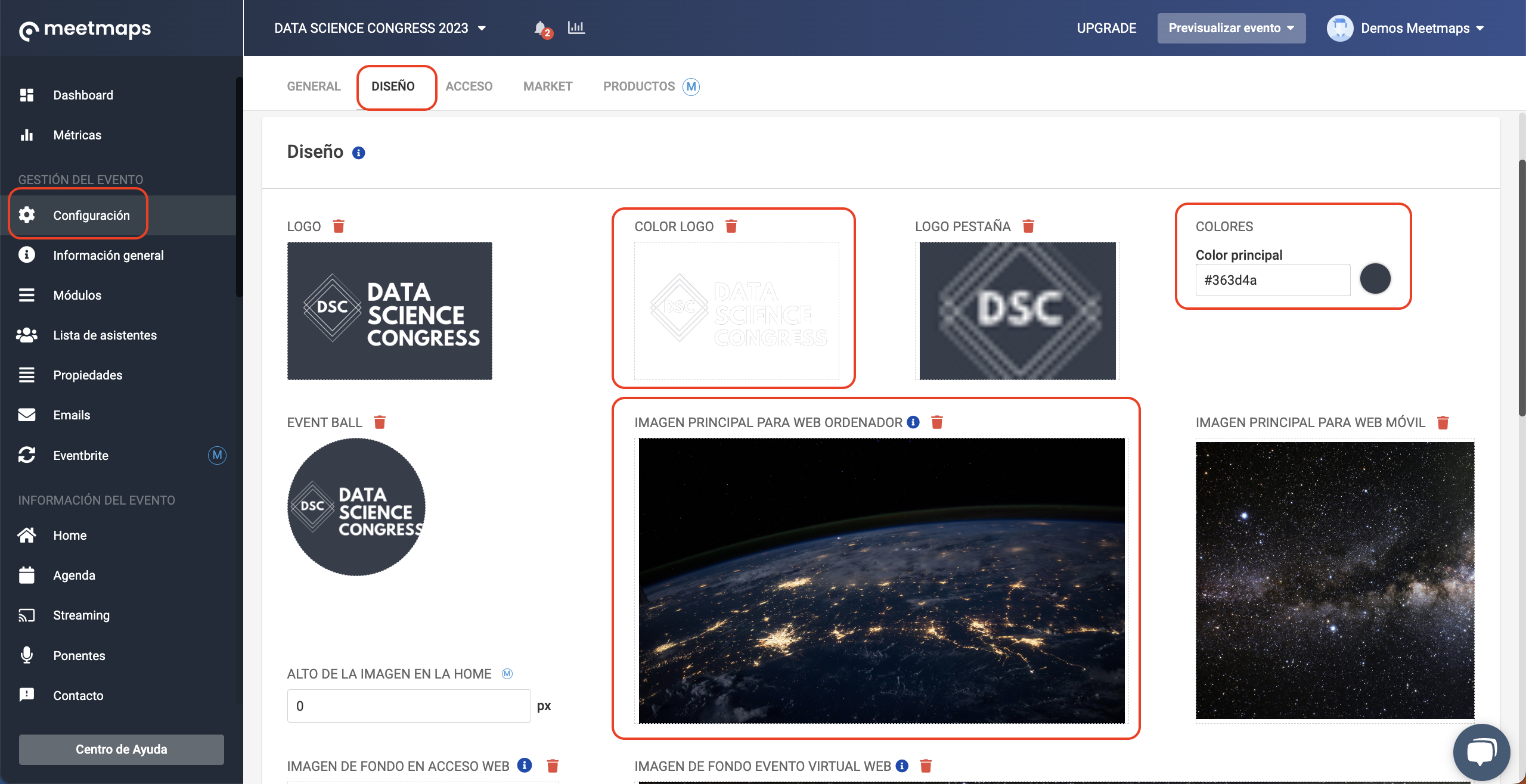
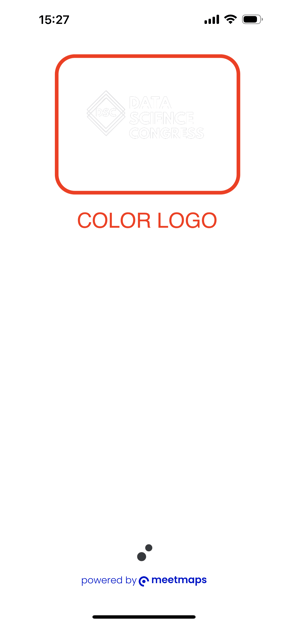
- Logo color: 900px x 400px
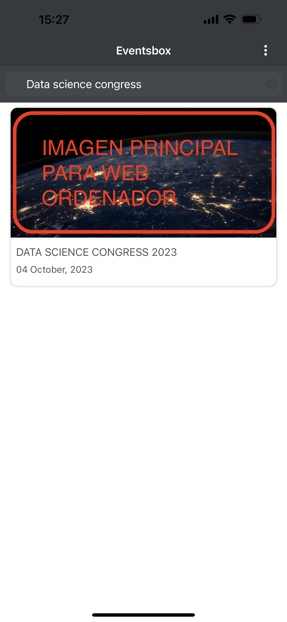
❗It is the temporary loading image that appears when opening the event, while collecting all the data - Main Image for Computer Web: 2560px x 1600px
❗It is the image that appears when you open the App to access the event (if you have more than one event in the App, a list appears with their images) - Colors: color of the App and buttons.
In HEX format (👉Check this article to know the HEX code of a color)
How it is shown
- After introducing the credentials:
Web & App > Home > Home App
To customize the App design you can choose between two Home layouts. You need to decide which one to activate in your event and gather the following images:
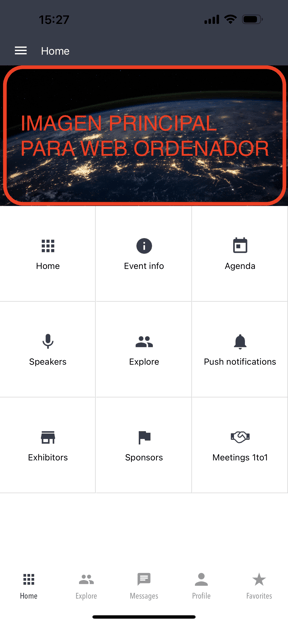
1. Option Grid
Quick and direct access to your more importante sections, highlighting the general image or video.
Use the main image for computer web: 2560px x 1600px
2. Option TV Hub
Display the content visually to make it even easier for the audience.
Mobile Cover Background: 720px x 750px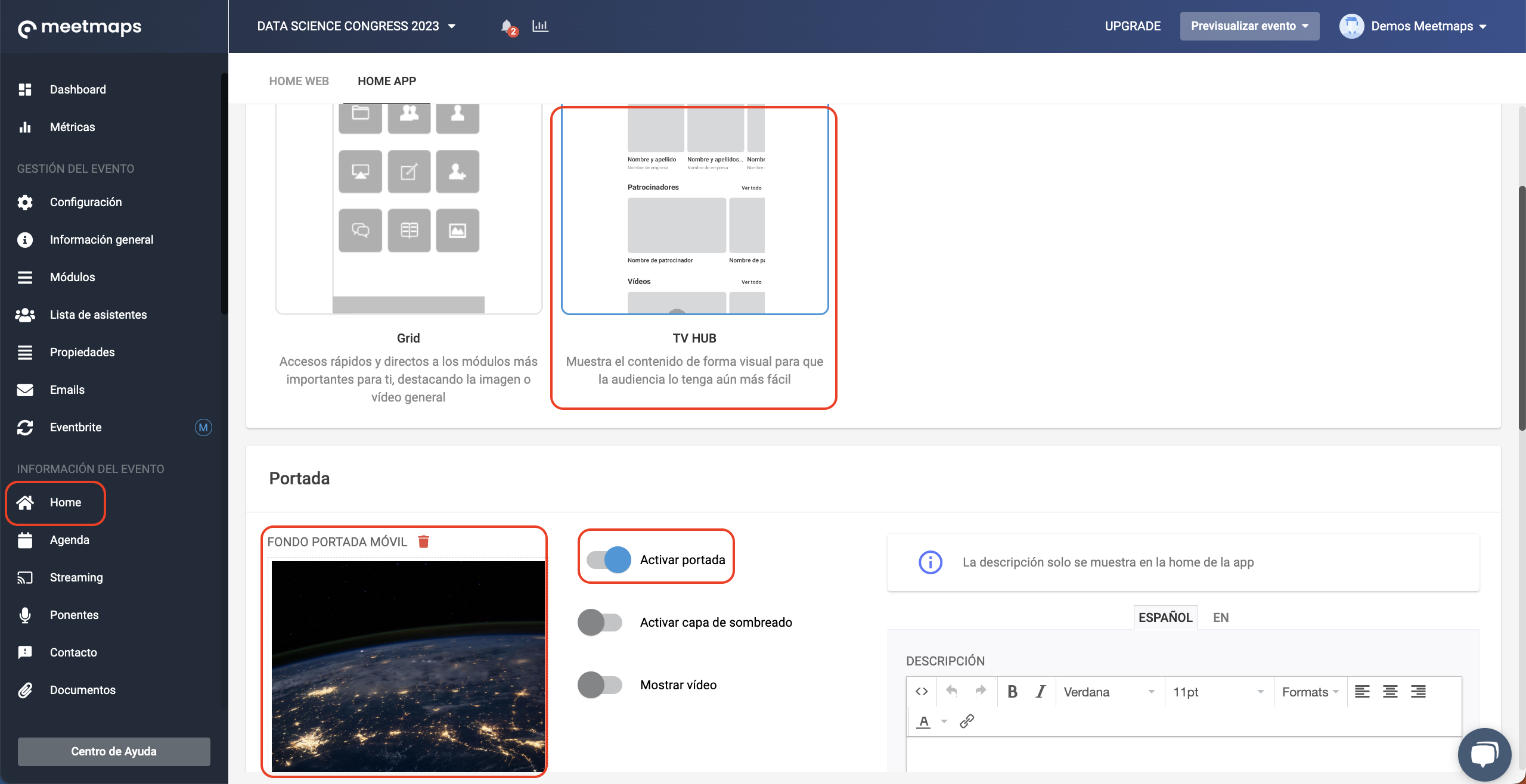
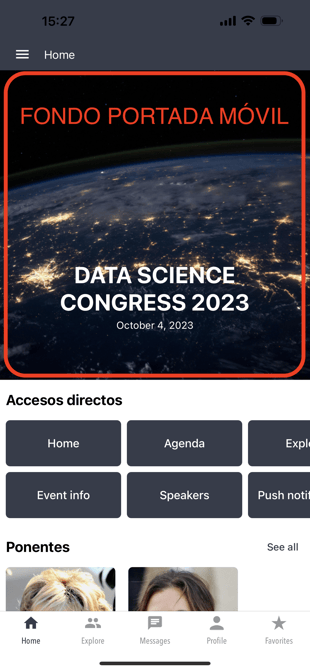
NOTE 🗒️: In both options, you can add a cover VIDEO in the Streaming sectiom.
NOTE 🗒️:
- You may also be interested in the article 👉 How to set up an event in your App?
- If you hire a Branded App for your event, you will also have to review 👉 Branded App Branding Guide