-1.png?width=150&height=31&name=logotipo_centro_de_ayuda%20(1)-1.png)
Available for the licenses:
 Access Enterprise
Suite Enterprise
NOTE📄: Contact Meetmaps to activate this feature.
What is it?
It's a fast and digital way for attendees to carry their event pass or ticket (QR code) directly on their smartphone (iOS or Android). The accreditation is stored in the phone's native pass app: Apple Wallet (iOS) or Google Wallet/Passes (Android).
NOTE📄: The generated QR code is unique for each attendee, regardless of where it is displayed or printed.
This same QR code can be presented by the assistant through multiple media to ensure flexible and frictionless access:
-
Digital Pass (Wallet): 💳 Stored in the phone's native application (Apple Wallet or Google Wallet).
-
Event App (Eventsbox or Branded): 📱Available within the personal accreditation module in the App.
-
Reminder Email: 📩Sent the day before and/or during check-in for quick access to your inbox.
-
Printed Badge: 🗒️The same QR code used for physical validation.
+ info👉 What is the Badge Builder section?
It is recommended that this type of accreditation, through Wallet Apps, be complementary to having the QR code on another medium (in the event app or the digital QR code in the email), since not everyone is familiar with them.
Configuration
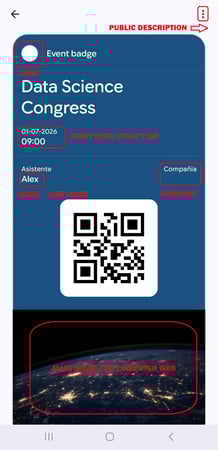
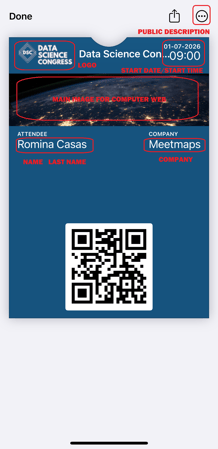
1. In Settings > Custom fill in the required information that will be displayed in the Wallet in the following sections:
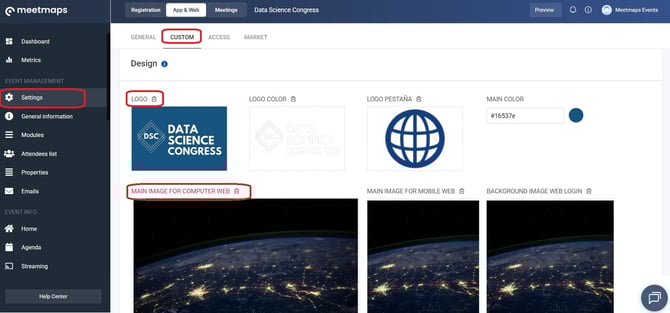
- logo
- Main image for computer web
2. In Settings > Custom fill in the required information.
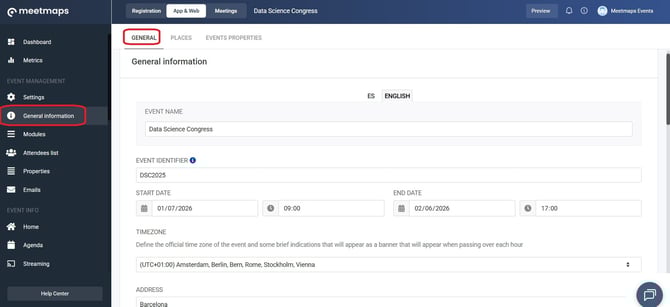
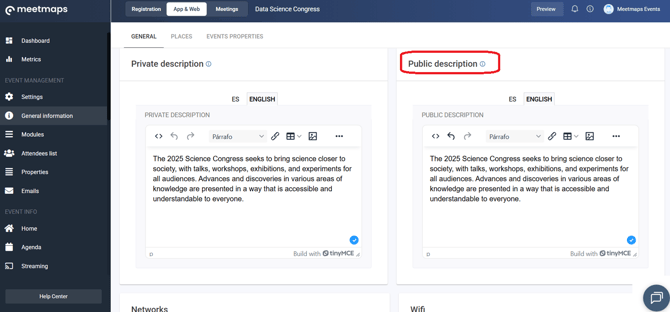
- Event name
- Date
- Start Time
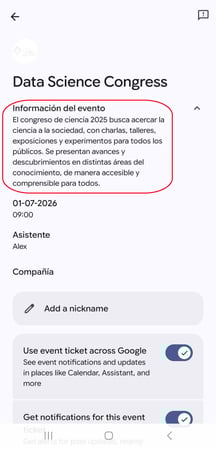
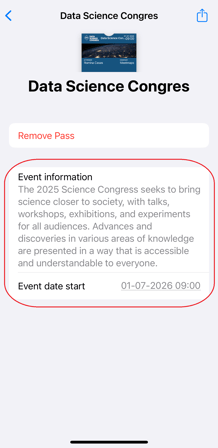
- Public description
Attendee List: Attendee Information
- First Name
- Last Name
- Company
- QR Code
Wallet sent via email
1. In Emails > templates, create a template using the Email Builder.
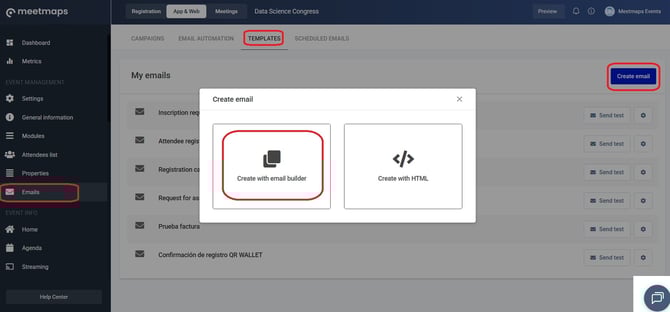
2. Add the "Wallet Buttons" module to the email.
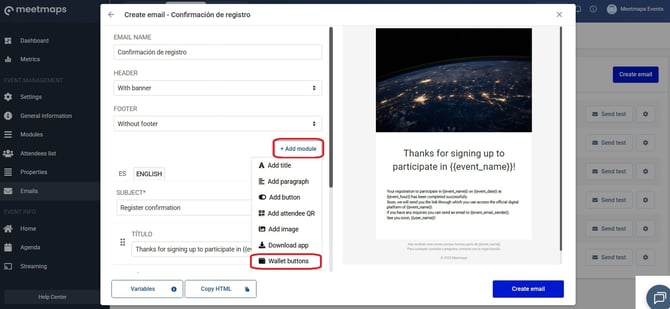
However, if you create the email using HTML, add the following variables:
- Android Wallet Link: { {url_google_wallet} } (No space between brackets)
- iOS Wallet Link: { {url_apple_wallet} } (No space in brackets)
Shipping can only be done through:
- Automated emails +info👉What are automated emails?
- Scheduled emails +info👉What are scheduled emails?
IMPORTANT❗ Wallet buttons cannot be sent via:
- Filter or import campaigns
- An automated email using the "resend credentials" function
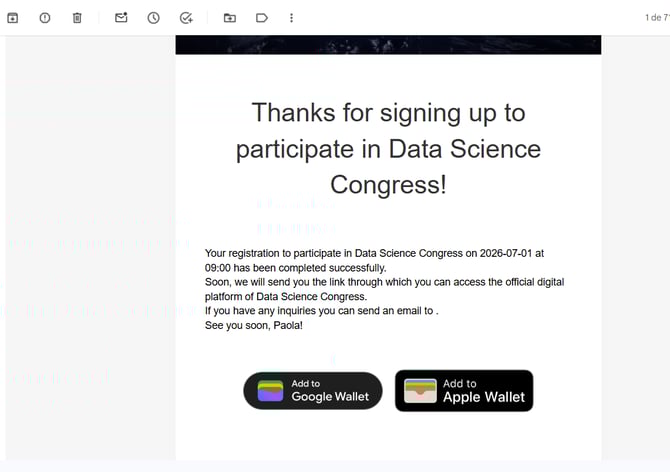
As shown
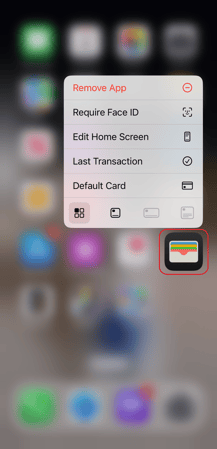
iOS Wallet
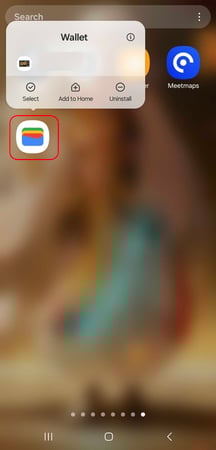
Android Wallet