-1.png?width=150&height=31&name=logotipo_centro_de_ayuda%20(1)-1.png)
NOTE 🗒️: Lee el artículo principal sobre este tema +info 👉What is the modules section?
Configuration
1. In App & Web > Modules click on "New menu +":
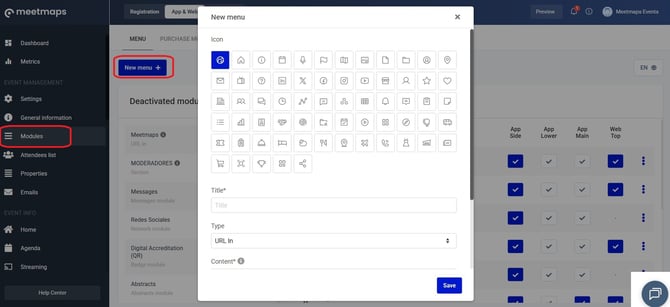
Here you can choose the configuration of your new module:
- Icon: Choose an icon for your new module (only visible in app 📱)
- Title: Name the new module
- Type: The most commonly used modules are of the following types:
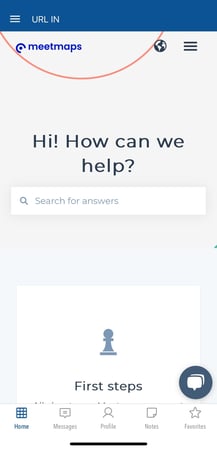
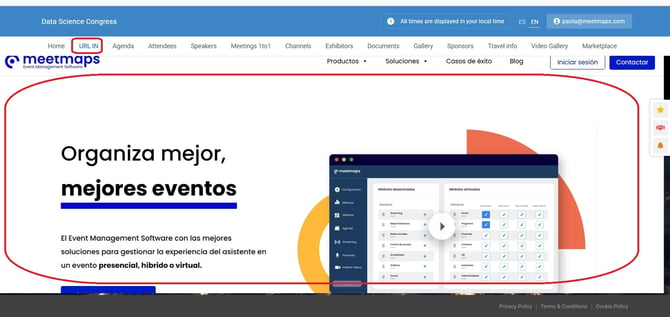
- Url In: Once you click on the module, it opens in the platform the content of the web page whose link we put in the "Content" section, thus obtaining an immersive experience of an external URL within the App or Web.
- Url Out: When this module is clicked, the content of the web page whose link we put in the "Content" section will open in another tab of the browser (Web) or in the phone's browser (App).
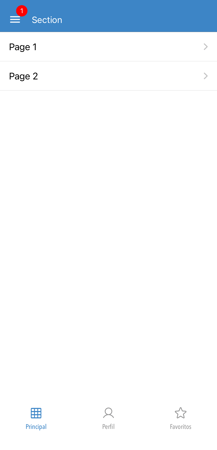
- Section: you can add different HTML pages in one section module.
NOTE 🗒️: To find the numerical ID of a section, right-click and select "Inspect". A panel will appear on the right. Hover your cursor over the section, and the panel will show the numerical ID.
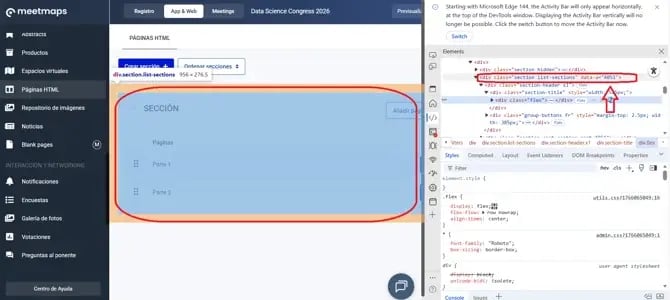
- HTML page: If you generate content within the "HTML Page" tab of the side menu, you will see the option to create that page as a module.
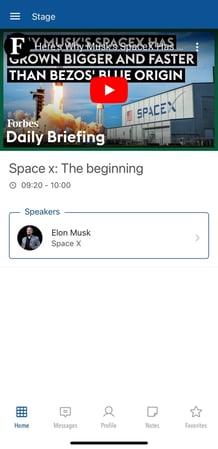
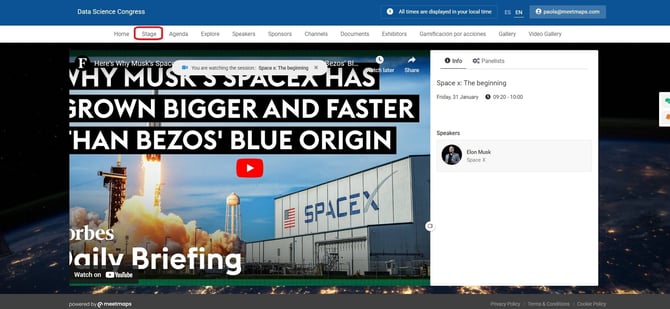
+ info 👉 What is the HTML section? - Stage: With a stage module we can create the stage where the event will be streamed.
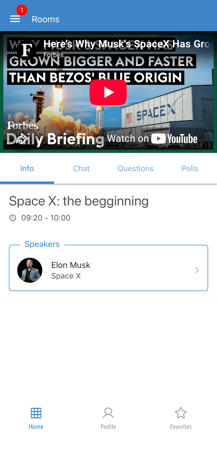
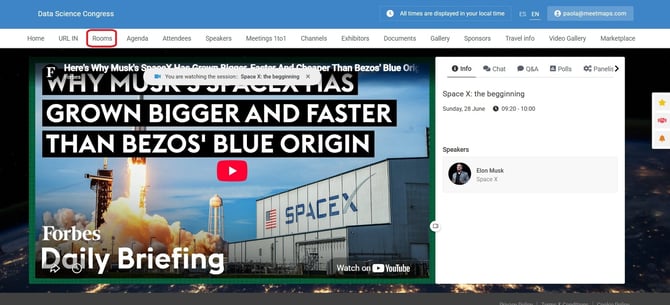
+ info 👉 How to create a stage? - Rooms: in this module you can link a room from the agenda directly (for Streamings, for example).
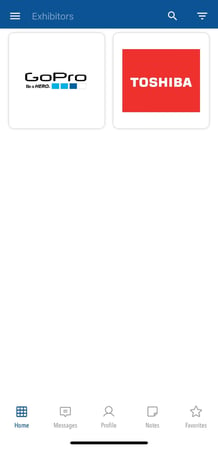
- Exhibitors: a module where you can display a category or categories of exhibitors.
- Agenda: A module to display selected agenda sessions.
- Social network: This option only works in App
- Itinerary: From here you can make the module you create visible only to a group of attendees, using the itineraries
+info👉 How to segment through properties, creating roles and itineraries?
As shown
App📱
URL In
Web 💻
Section
App📱
Stage
App📱
Web 💻
Rooms
App📱
Web 💻
Exhibitors
App📱
Web 💻